
Common File Problems Found In Prepress Workflows
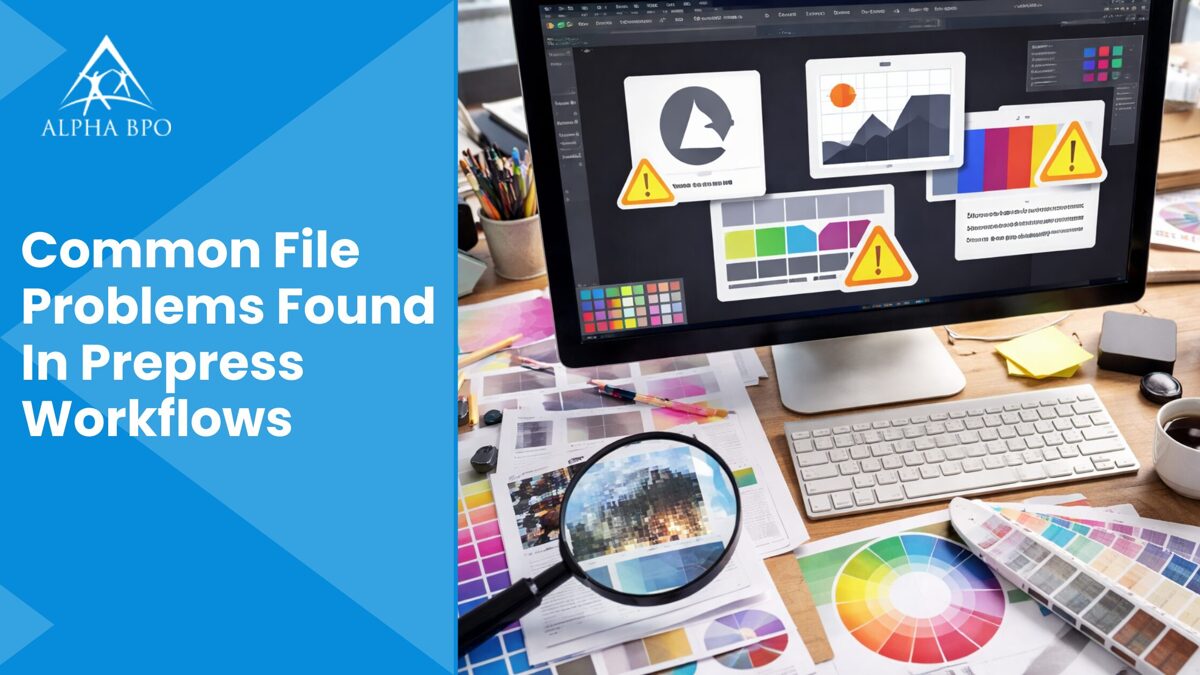
Many businesses and organizations rely on prepress workflows to further process digital designs before printing. In this regard, prepress is the stage where ideas become print-ready files. The complete process looks easy from the outside, but experienced professionals working behind the scenes know how many things can go wrong before a print job reaches the press. Even a minor file error can cause costly reprints, delays, or quality issues.
Understanding common file issues in prepress workflows helps printers, marketers, and designers avoid costly mistakes while using professional prepress services to achieve better results. This blog highlights the common file issues encountered during prepress activities.
A Complete List Of File Issues In Prepress Operations
Font Problems That Change Your Design at Print Time
The most frequent issue in prepress work is missing fonts. A file may look perfect on the designer's system, but appear completely different when opened elsewhere. This process occurs primarily when fonts are not properly outlined or embedded.
For example, using packaging files or standard fonts correctly can avoid this serious problem. If you work with Adobe InDesign, always use the package feature before sharing files. This process ensures images, fonts, and links transfer together by minimizing the risk of unexpected font replacements.
Bleed and Trim Errors That Cause Costly Reprints
Information like bleed and trim settings is a minor detail with significant results. White edges on the design may appear after trimming due to insufficient bleed. Also, incorrect trim marks can confuse the printer and cause misaligned cuts.
It is recommended to always set bleed values according to the printer's specifications and to double-check trim marks carefully. Various professional designers rely on InDesign templates that already contain bleed settings and the correct margin. This simple practice helps avoid last-minute corrections and ensures greater accuracy throughout the prepress process.
Incorrect Color Modes
High-end color issues can lead to significant disappointment if not appropriately handled. A variety of files created in RGB format may appear vibrant and dynamic on screen, but print with dull or unexpected colors. Always print in CMYK color mode. It becomes necessary to convert colors correctly and review proofs carefully before sending files to print.
Spot colors should be clearly defined and used only when necessary. A well-organized color process during prepress printing ensures color consistency, decreases errors, and helps meet client expectations.
Broken Image Links That Delay Production
Missing or broken image links are a common cause of delays in prepress workflows. When the files are renamed or moved, links can fail without warning. Update and relink all images before final submission.
Packaging the file during prepress printing is again a best practice because it consolidates all linked assets into a single folder. This process ensures the printer receives everything required for smooth production.
Transparency and Overprint Mistakes That Lead to Misprints
Overprint settings can yield unexpected results if not carefully reviewed. Objects or text set to overprint may disappear or integrate strangely with background colors. Similarly, transparency effects can cause problems during the flattening process when not handled correctly. To achieve perfect results, it is necessary to preview overprint settings and flatten transparency as required, using professional prepress services.
These checks help ensure the final output matches the needed design and prevent misprints on press.
Low-Resolution Images That Reduce Print Quality
Low-resolution images are another primary concern while preparing files for large-format printing. Images that appear perfect on screen may look pixelated or blurry once printed, impacting overall print quality.
This process primarily occurs when a variety of web images are used rather than print-ready files. Images should generally be 300 DPI at the final size for high-quality print output.
Scaling up small images can decrease their clarity. So, it is best to place images at the correct size from the start. A reliable printing identifies these issues, but identifying them early saves time and frustration.
Incorrect Orientation or Page Size
Another common issue in prepress workflows is incorrect page size or orientation. Files may be designed with inconsistent page settings or inaccurate dimensions. This process primarily increases the printers' setup time.
It is best practice to confirm the final trim size before starting a project. Consistent page settings throughout the document during prepress services help prepress teams process files more efficiently and reduce the risk of issues.
Absence Of Preflight Checks During Prepress Printing
Skipping preflight checks in prepress printing is a significant cause of problems. Reliable preflight tools identify critical issues, such as missing fonts, low-resolution images, and color mismatches, before files in prepress workflows reach the printer.
Many experienced designers rely on built-in preflight functions or professional review services. An editorial designer working on books or magazines knows the value of a complete preflight, especially when handling large documents with many linked elements.
Why Prepress Review Matters The Most In Prepress Workflows?
Prepress is more about resolving errors. It is about protecting budgets, quality, and timelines. A careful review confirms that the files meet the desired technical standards and print exactly as expected.
Working with experienced teams and following best practices during prepress printing helps decrease revisions and build customer trust. Clear interaction between designers and printers plays a substantial role in successful results.
Gain The Maximum Design Accuracy By Preventing File Problems In Prepress Workflows
File issues in prepress work are common, but most of them can be avoided withthe right approach. Paying close attention to colors, fonts, images, and layout details makes a noticeable difference in overall print quality and supports smooth prepress printing.
Simple habits such as using proper templates, running preflight checks, and packaging files correctly can save hours of rework. By understanding common prepress problems and preparing files with care, enterprises and designers can achieve smoother production and uniformly better results. A small amount of additional effort during file setup goes a long way in delivering printed files that look polished, precise, and professional.